From Excel to CPQ: How to Move from Spreadsheets to an Automated Sales Process
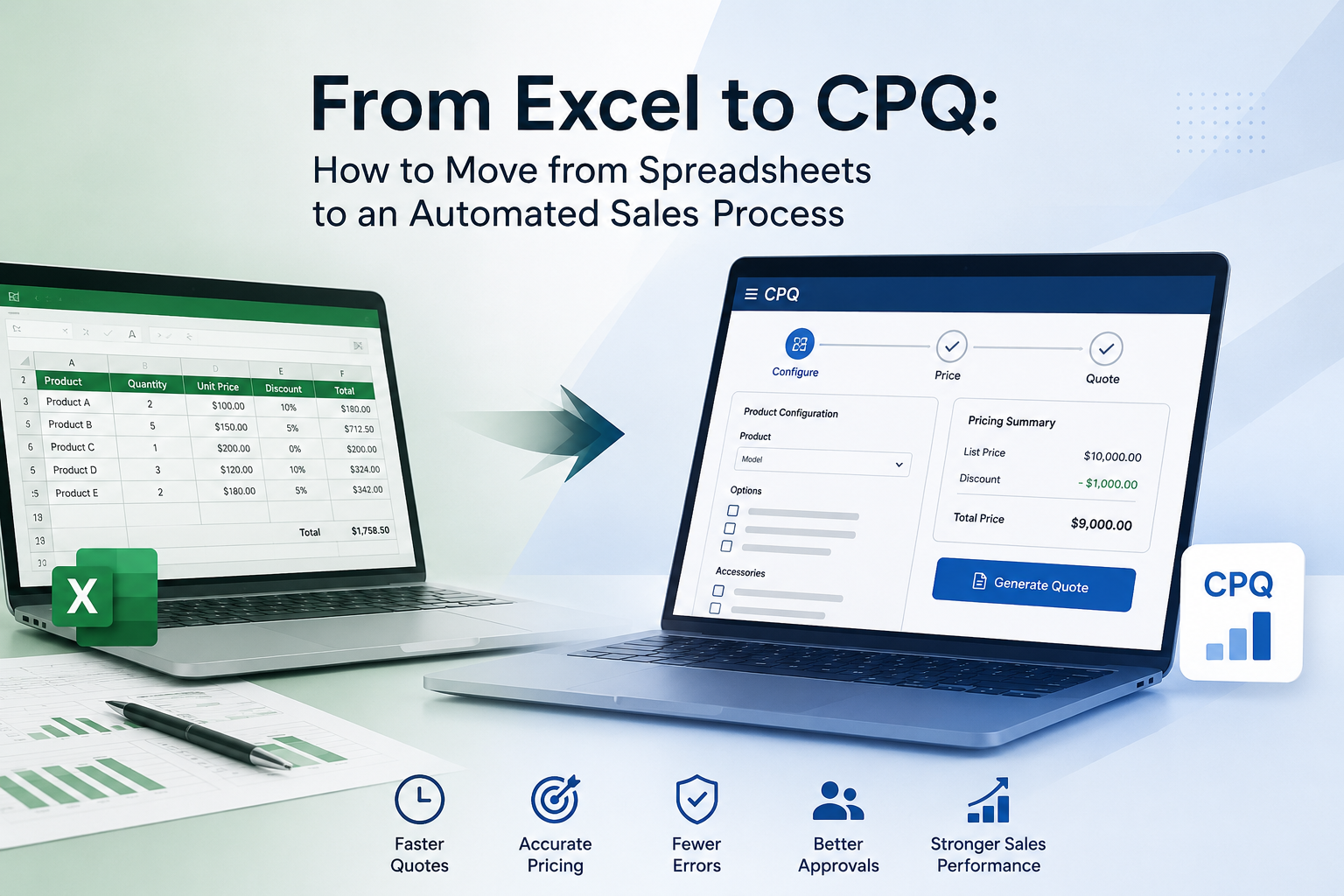
Most manufacturing companies start with Excel. And it makes sense — it is flexible, free, and everyone knows it. But at some point, complexity grows, and that is when the problems start piling up.
This article is about that transition. From Excel chaos to a CPQ system that can keep pace with reality.
The 7 classic problems with Excel quotes
When we speak with manufacturing companies, we hear the same frustrations again and again:
- Errors in prices and calculations — Formulas get overwritten. Old price lists live on in copies. No one knows which version is the correct one.
- No standardization — Every salesperson has their own template, their own way of calculating discounts, and their own structure.
- Long quote turnaround times — Gathering product data, finding prices, checking inventory status, and formatting a quote takes hours — sometimes days.
- Lack of overview — Management cannot see pipeline, hit rate, or average quote value without manual work.
- Dependence on key people — Only one or two people know the Excel sheets well enough to create correct quotes.
- Hard to scale — New salespeople take months to learn the system. New product lines require new sheets.
- No connection to ERP/CRM — Data must be entered manually in multiple systems. It takes time and creates errors.
Do you recognize three or more of these problems? Then you are probably ready for a CPQ system.
What is CPQ — and why is it relevant?
CPQ stands for Configure, Price, Quote. It is a software category that helps salespeople to:
- Configure products correctly based on the customer's needs
- Price automatically with the right discounts, currencies, and margins
- Generate quotes professionally and quickly — with one click
A CPQ system does not replace ERP or CRM. It sits in between — and ensures that the commercial process (from customer need to quote) is fast, accurate, and scalable.
The transition in 5 steps
Switching from Excel to CPQ does not have to be a large IT project. Here is a pragmatic approach:
- Map your product rules — Which products can be combined? What dependencies exist? What are the technical limitations?
- Structure your pricing logic — Gather all prices, discount structures, and margins in one place. Remove local variations.
- Define the quote flow — Who needs to approve what? When should it be escalated?
- Choose the right CPQ system — Not all CPQ solutions are the same. Look for flexibility, industry adaptation, and ERP integration.
- Start small and scale — Begin with one product area or one team. Roll out gradually.
Before and after: Excel vs. CPQ
| Area | Before (Excel) | After (CPQ) |
|---|---|---|
| Quote time | Hours to days | Minutes |
| Error rate | High (manual formulas) | Low (rule-based) |
| Price consistency | Varies between salespeople | Consistent and centralized |
| Onboarding | Weeks/months | Days |
| Scalability | Limited | Unlimited |
| ERP integration | Manual copy-paste | Automatic sync |
| Management overview | Manual, retrospective | Real-time dashboards |
Complexity is not a disadvantage — it is an advantage
Many companies hesitate about CPQ because their products are "too complex." But that is exactly why you need it.
The more variants, rules, and dependencies you have, the more time you waste in Excel — and the greater the gain from automating.
CPQ is not for simple products. It is for companies that have realized that complexity requires structure.
Are you ready for the next step?
If your company still uses Excel for quoting, and you experience three or more of the problems we have described — then it is time to look into CPQ.
It is not about changing everything at once. It is about taking the first step toward a more structured, faster, and more reliable quoting process.
Ready for the next step?
Get started with Configo — or explore more articles in our knowledge center.