Configure the entire solution
When your company both delivers configured products and installation, you need more than a standard CPQ. Løsningsbygger lets you cross-configure across, aggregate resources and calculate the overall solution in one overview.
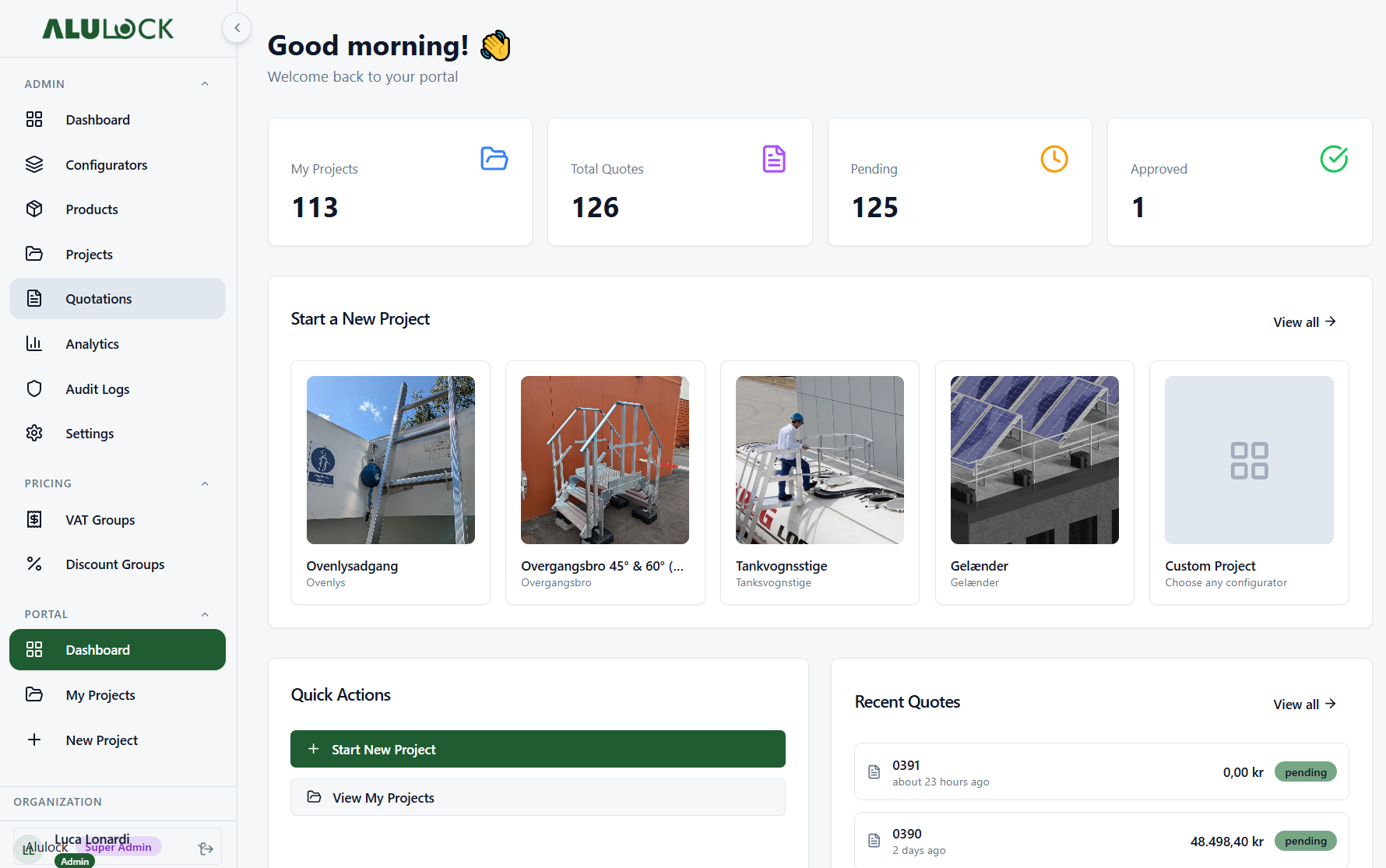
The problem with existing CPQ
Most CPQ solutions are built to configure one product at a time. But if your company both delivers the product and installs it, a problem arises: the configurations cannot communicate with each other, and you lose track of the overall project.
The number of meters of fencing determines the number of posts. The number of posts determines installation time. Installation time determines the need for a lift, crane and trailer. In a standard CPQ, you have to calculate all this manually — and keep track of it in a separate Excel sheet.
Projektview
Se hele løsningen samlet i ét overblik. Produkter, konfigurationer, montage og hjælpemateriel vises samlet.
Krydskonfiguration
Konfigurationer kan referere til og påvirke hinanden. Ændrer du ét element opdateres de øvrige automatisk.
Projekt-aggregatorer
Tilføj hjælpemateriel og ressourcer som kran, lift, trailer eller stillads direkte på løsningen.
Beregningsregler
Opsæt regler for hvad der skal ske, hvornår og hvordan — baseret på den samlede løsningskonfiguration.
Who uses Løsningsbygger?
We were facing exactly this challenge at Alulock. We deliver customized access solutions for industry — and no existing CPQ could handle the fact that the mounting requirements depended on the product configuration. So we built it ourselves. It became Løsningsbygger.
— Luca, founder of Configo
Explore our other solutions
Next solution
Dealer Management
Manage your dealer network with portal, price lists and order flow.
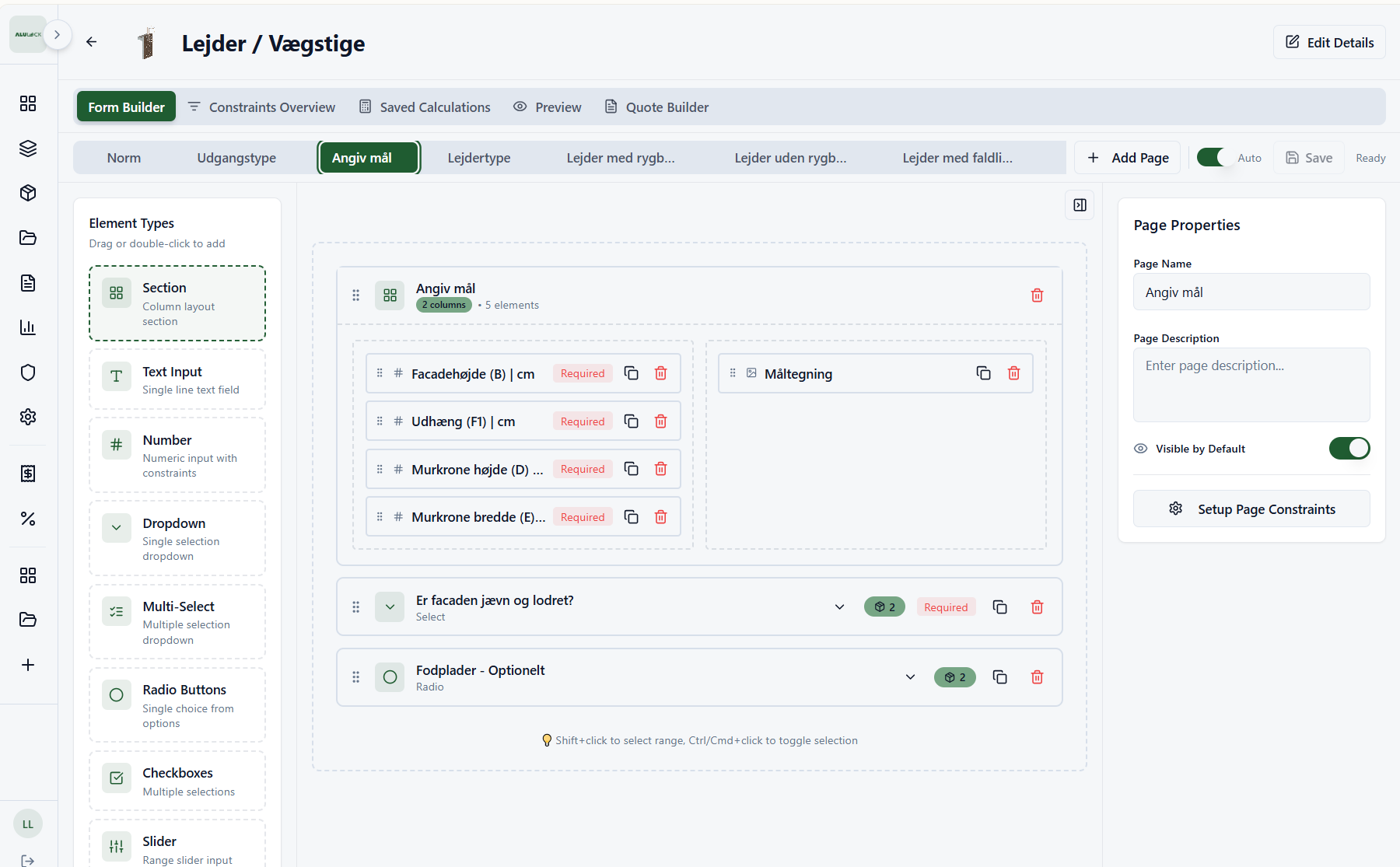
Product modeling
Model complex products visually with a drag-and-drop rules engine.
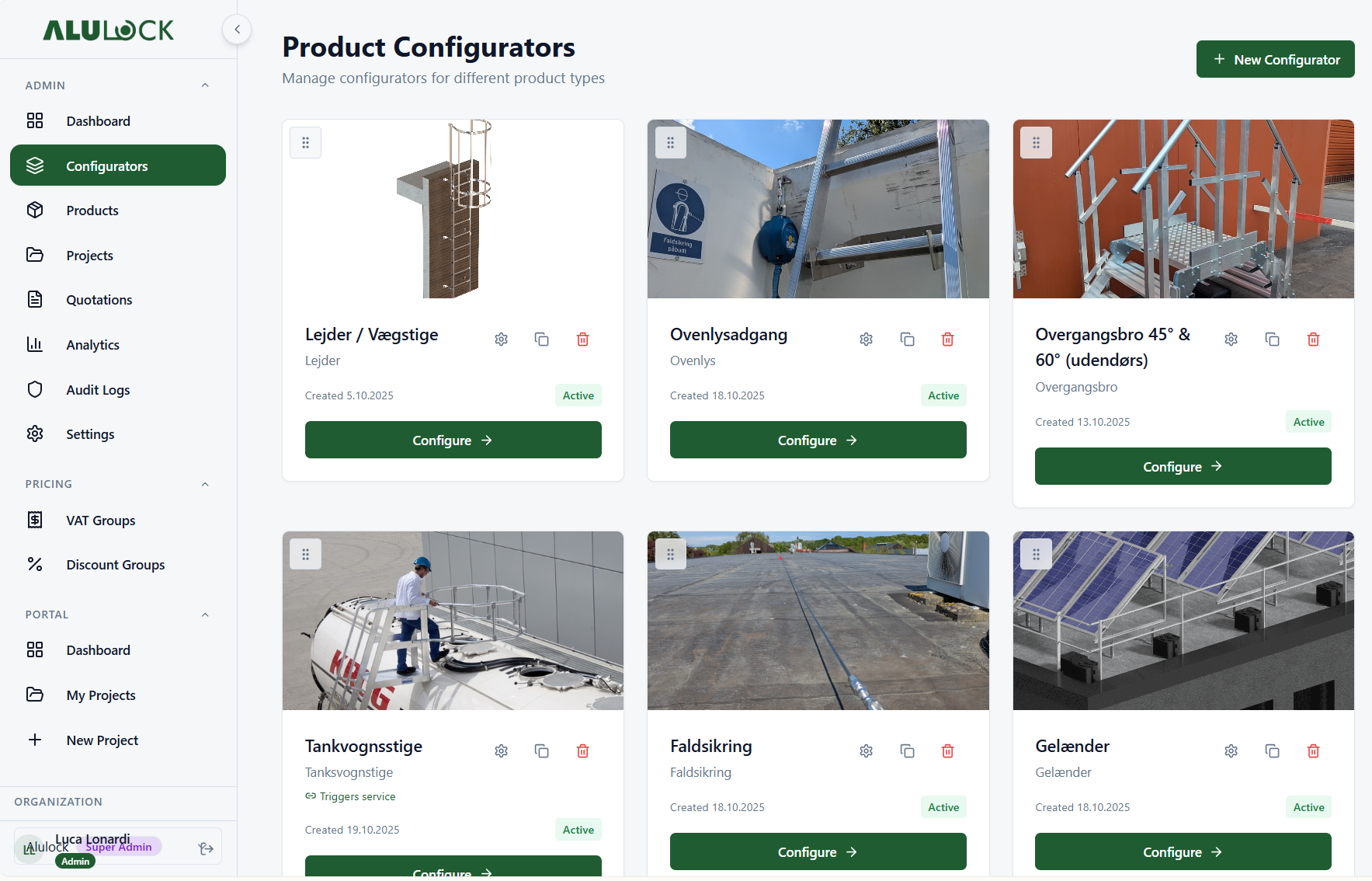
2D visualization
Show configured products with dynamic 2D images in real time.
3D visualization
Interactive 3D product visualization powered by DynaMaker.
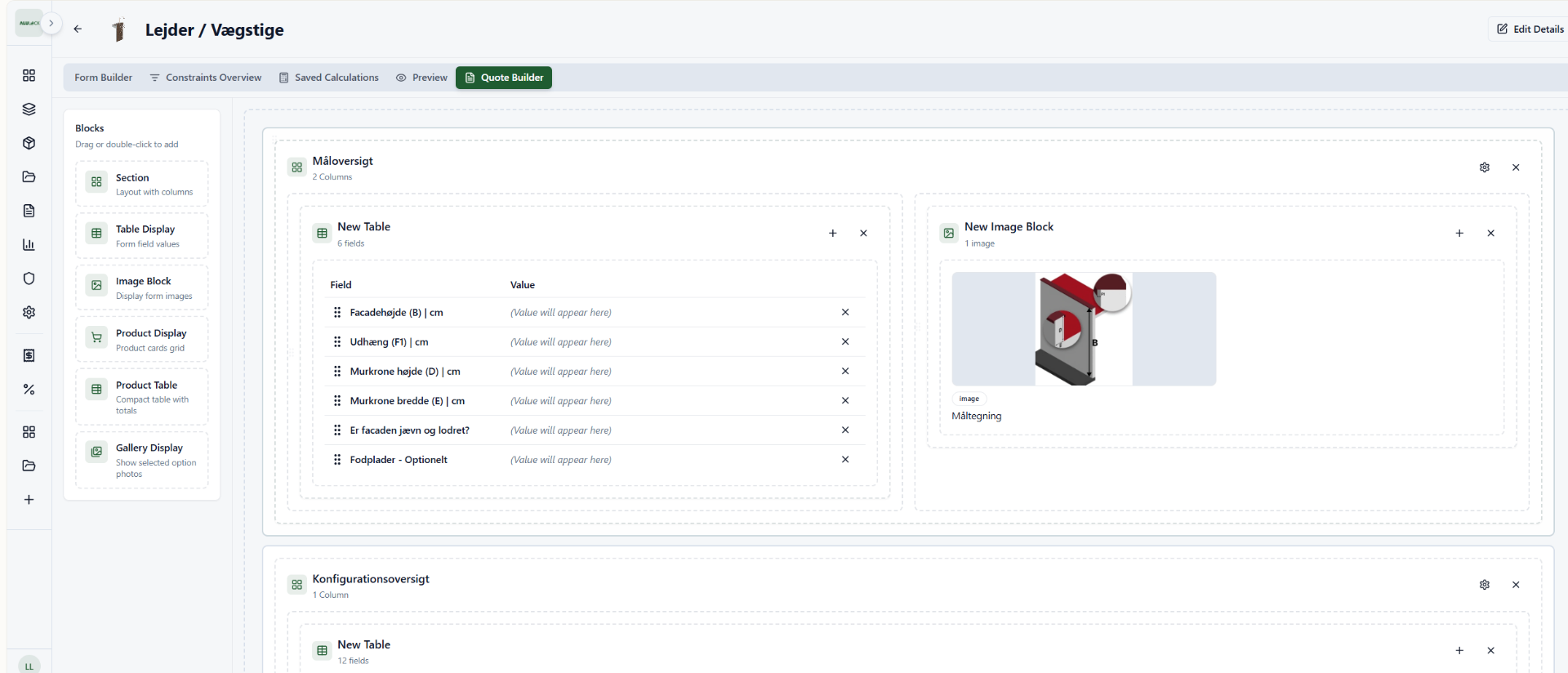
Beautiful offers
Professional, branded PDF quotes generated automatically.
Lead magnet
Embed the configurator on your website or share a public link — every configuration becomes a lead.
Documentation
Attach data sheets and certificates to the products — and download all documentation for the configuration in one ZIP.
Price Calculation
Automatic price calculation with margin control and discount structures.
Project configuration
Manage the entire project flow from configuration to approved quote.
See Løsningsbygger in action
Book an informal demo and see how it would work for your solutions.